AI email templates for GoHighLevel
Stop Sending Broken GoHighLevel Emails
Super Render AI helps you create clean, branded email templates, preview them before they go out, and push them into GoHighLevel with confidence.

What it does
GoHighLevel Emails Should Not Be This Hard
The builder can feel clunky. Layouts shift. Buttons move. Mobile previews look weird. And sometimes you only notice the problem after the email is already sent. Super Render AI helps you build cleaner emails faster, check how they look, and fix issues before they reach your audience.
Create by chat
Create Emails by Chat
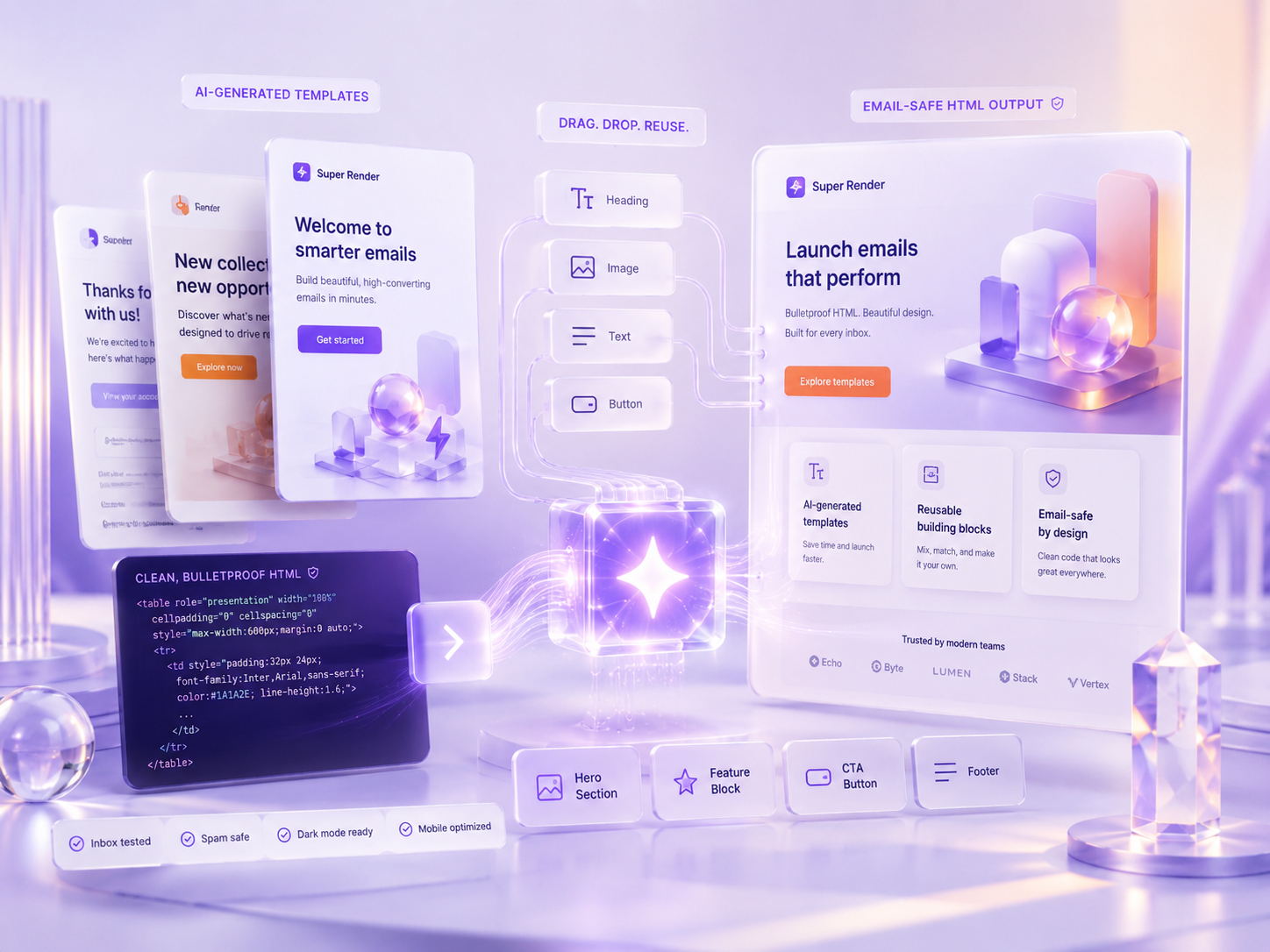
Tell Super Render AI what you want. It turns your idea into a clean email template you can review and edit.
Use your own AI key so you control cost and privacy.
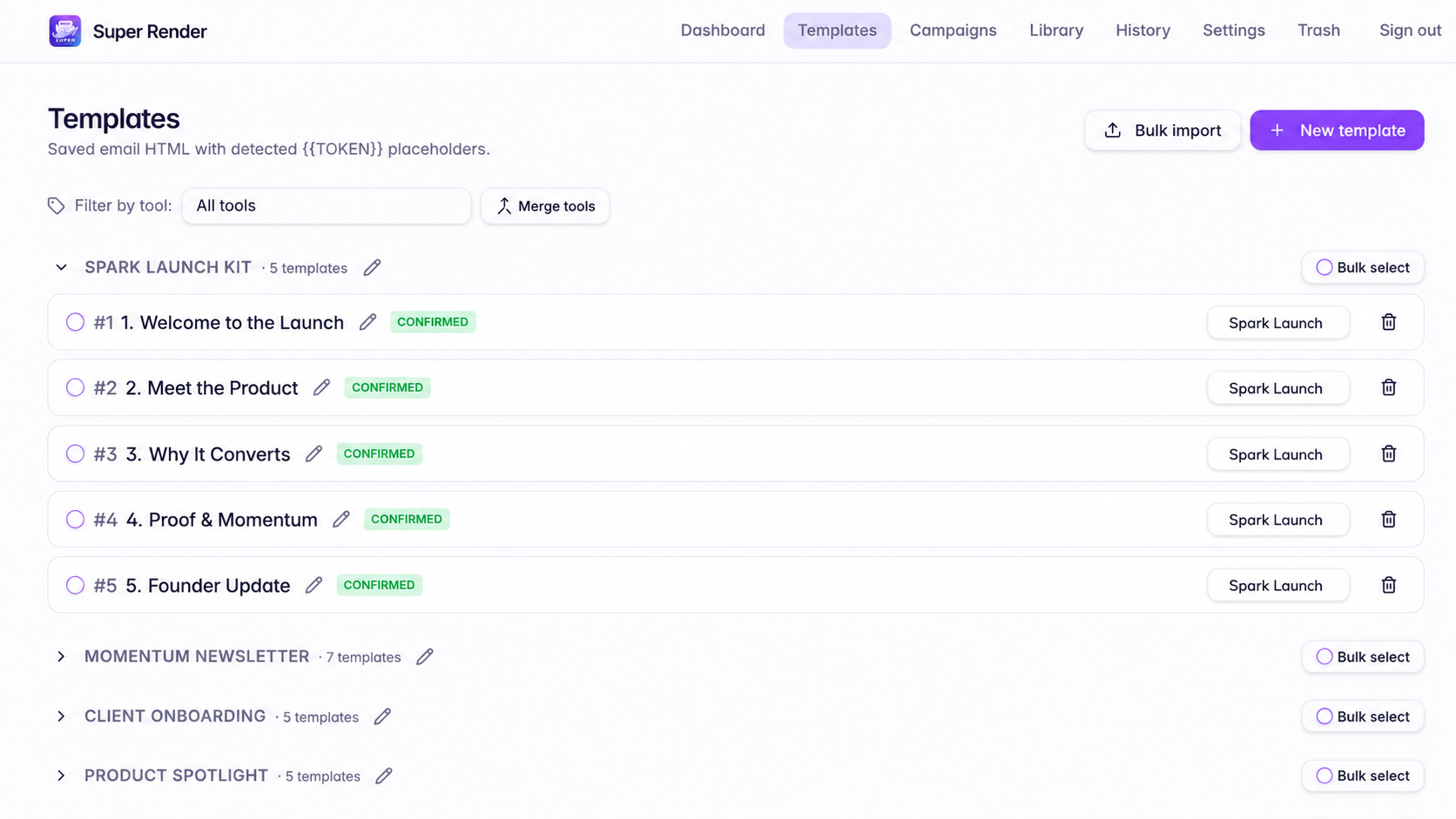
Generate the draft, save it as a reusable template, and launch again without rebuilding from scratch.
Preview before you push
Preview Before You Push
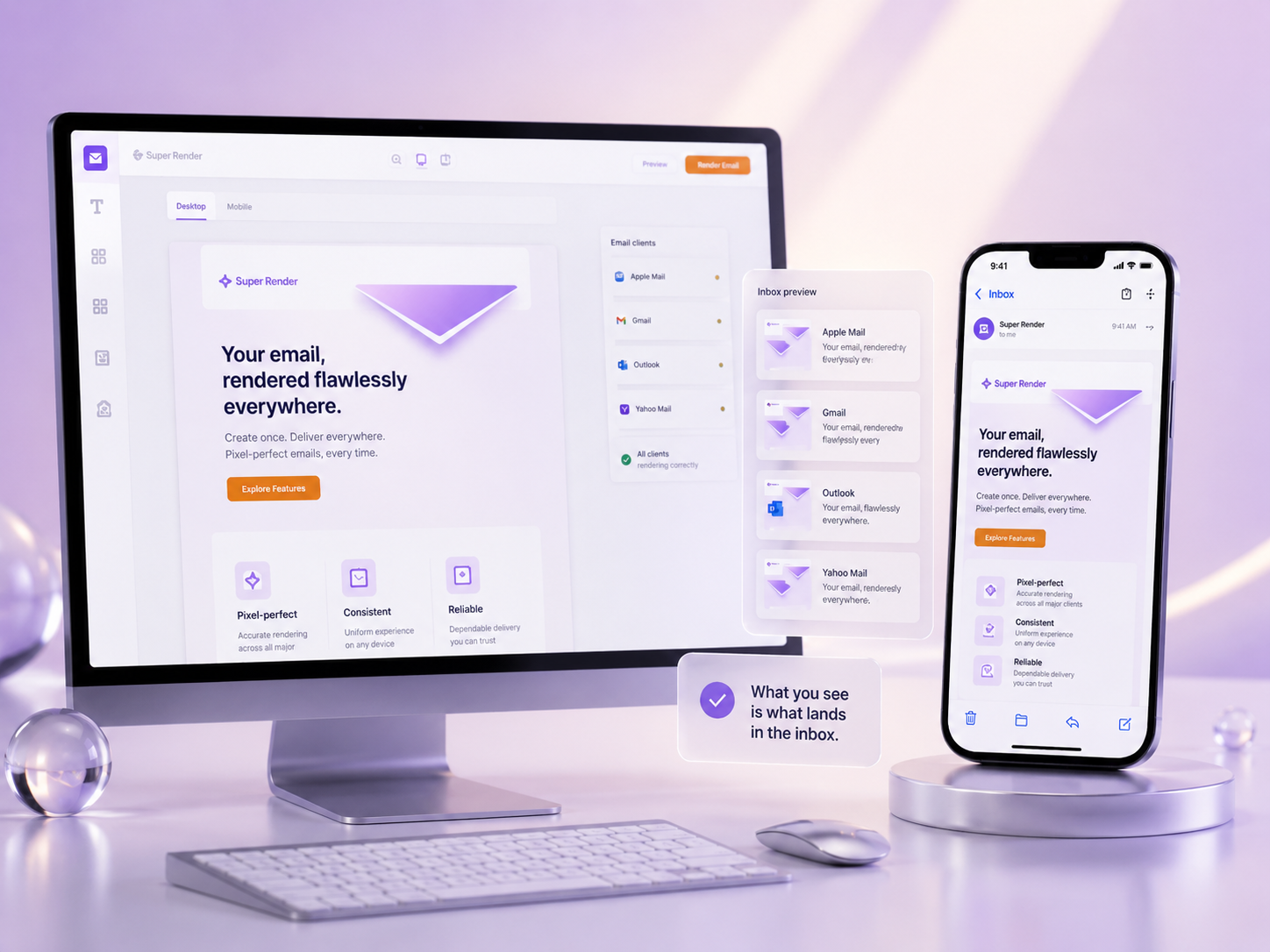
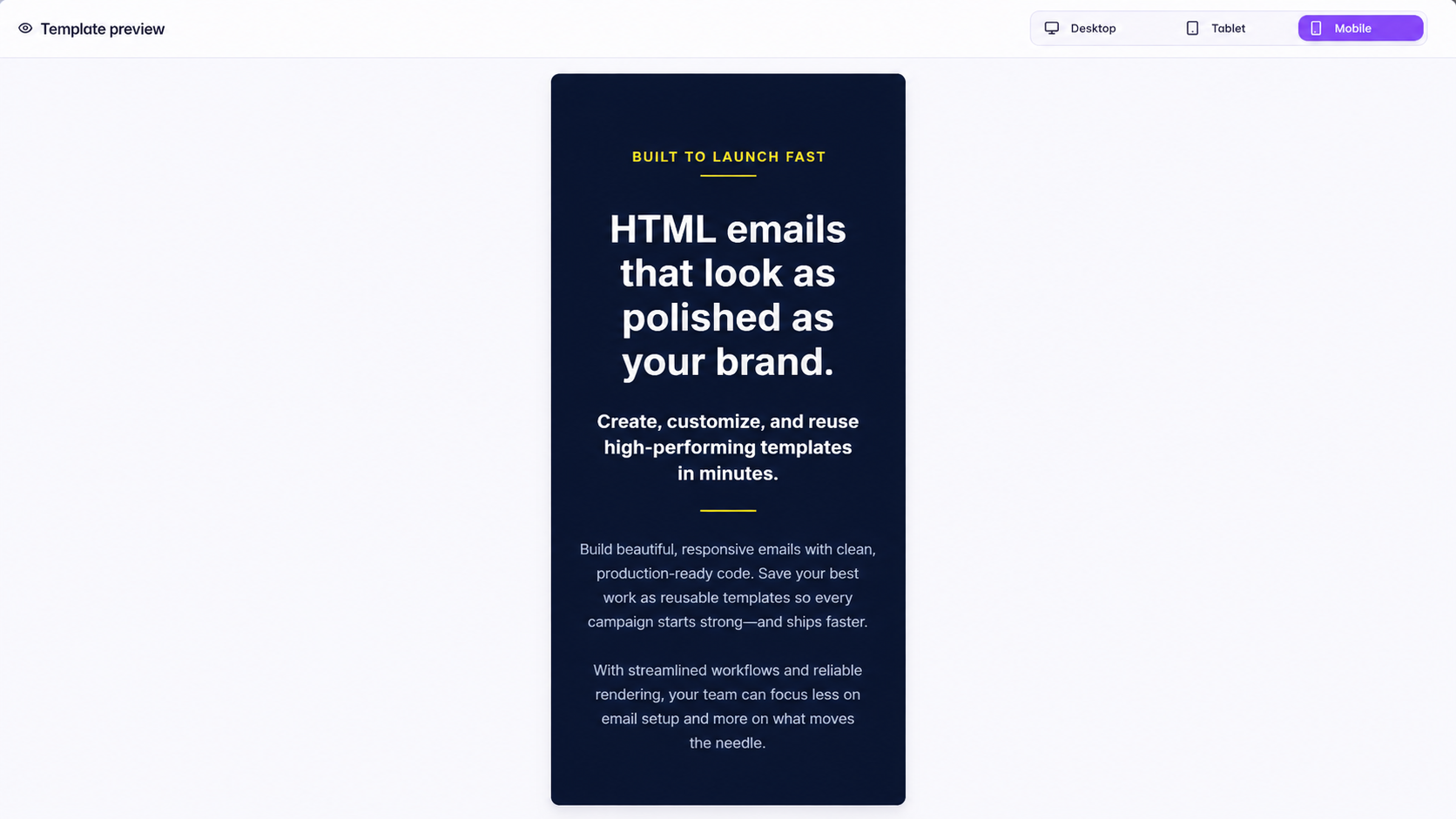
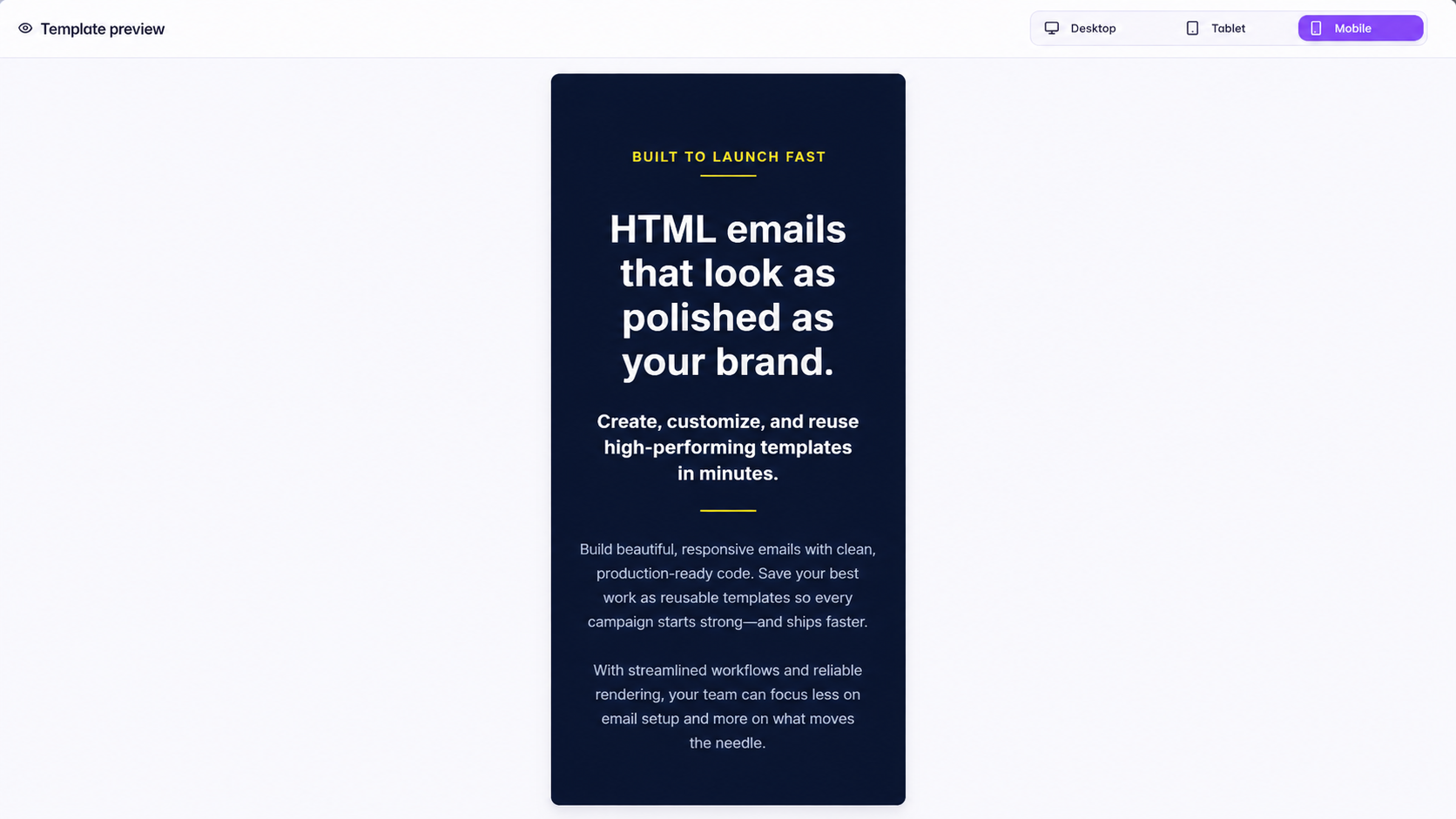
Preview your email live inside Outlook, Gmail, Yahoo and Apple Mail before it goes into GoHighLevel. This is not a generic preview: it simulates how each major inbox actually renders your template, so you catch layout breaks, button problems and mobile issues before sending.
Keep your brand together
Keep Your Brand Together
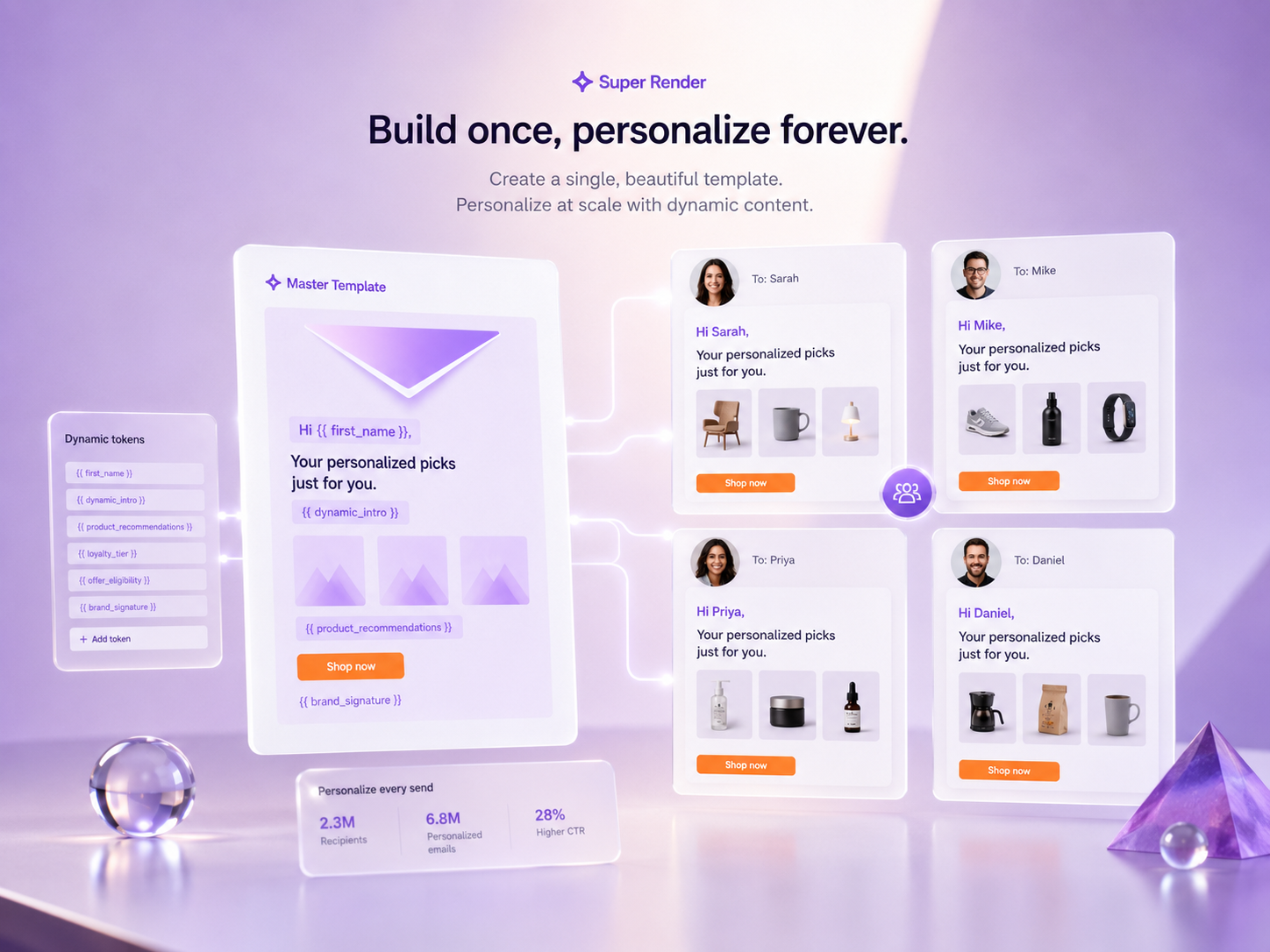
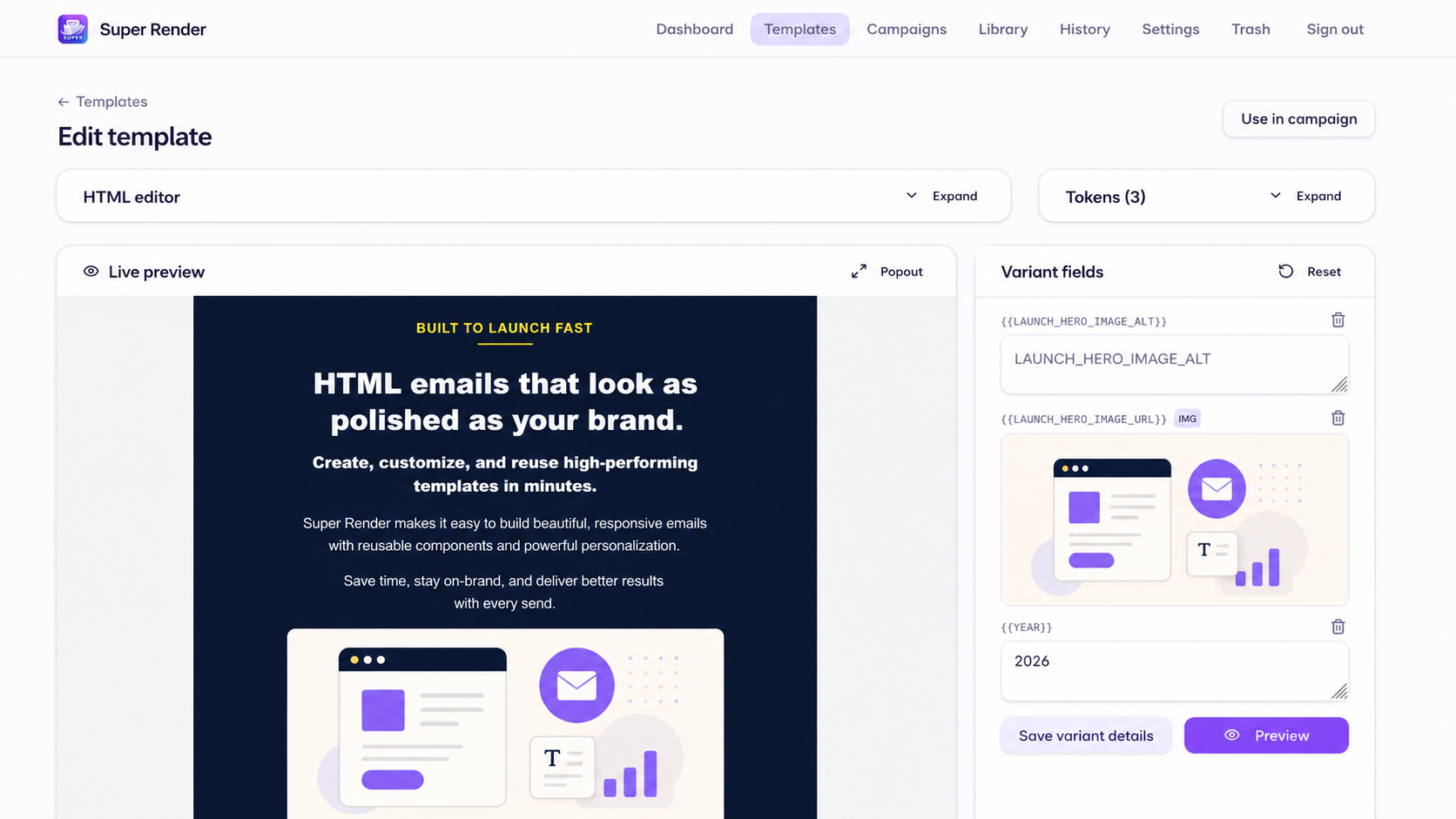
Save your colours, fonts, logos, links, and footer details once, then reuse them across future emails.
How it works
From Idea to GoHighLevel in Minutes
Describe what you need, let AI build the draft, check how it looks, make quick changes, and push it straight into GoHighLevel.
- 01
Describe the email you want
Tell Super Render AI the goal, audience, and tone. It turns your brief into a clean email draft.
- 02
Let AI build the template
Super Render creates a structured email layout you can review and refine without starting from scratch.
- 03
Preview how it looks
Check desktop and mobile previews so you spot broken buttons, awkward spacing, or missing images before sending.
- 04
Make quick changes
Edit copy, swap images, update your CTA, or adjust brand details in a few clicks.
- 05
Push it to GoHighLevel
Once it looks right, send it into GoHighLevel without copying and pasting everything manually.
Why it works better
If You’ve Ever Sent an Email and Thought “Why Does It Look Like That?” — This Is for You
Super Render AI helps you avoid messy layouts, missing images, awkward spacing, broken CTAs, and emails that look different from what you expected.
Better-looking emails, fewer surprises, and one-click GoHighLevel delivery — all in one workflow.
Inside Super Render AI
See it in action
Create on-brand images in the right size
Use Image Studio to generate images that match your brand, choose the best size for hero banners, headshots, or product shots, and drop them straight into your template.
No more stretched, square, or off-brand images.
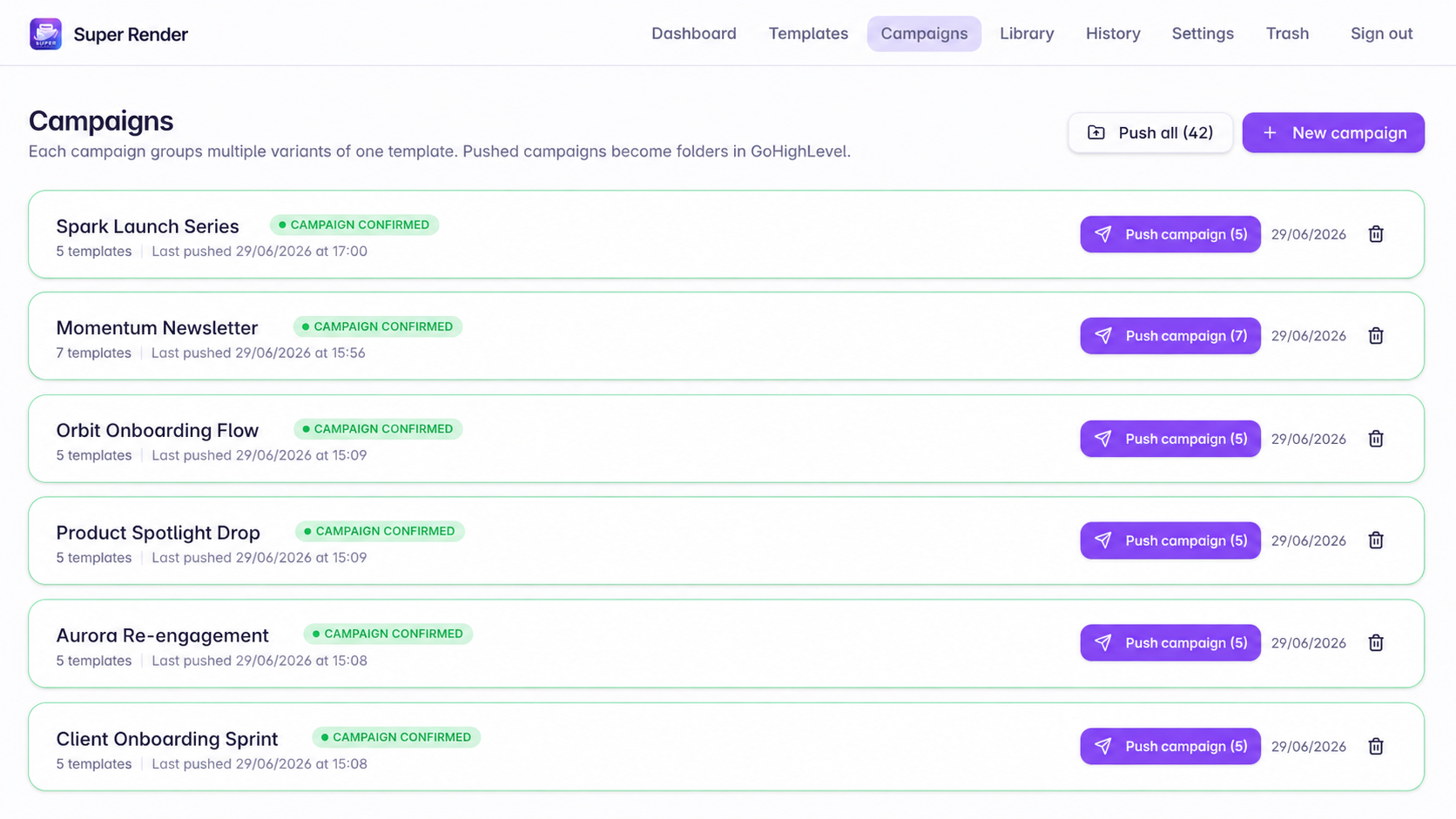
Push straight to GoHighLevel
When your email looks right, send it into GoHighLevel with one click — no manual copying, no broken code, no guesswork.
From finished preview to live template in seconds.
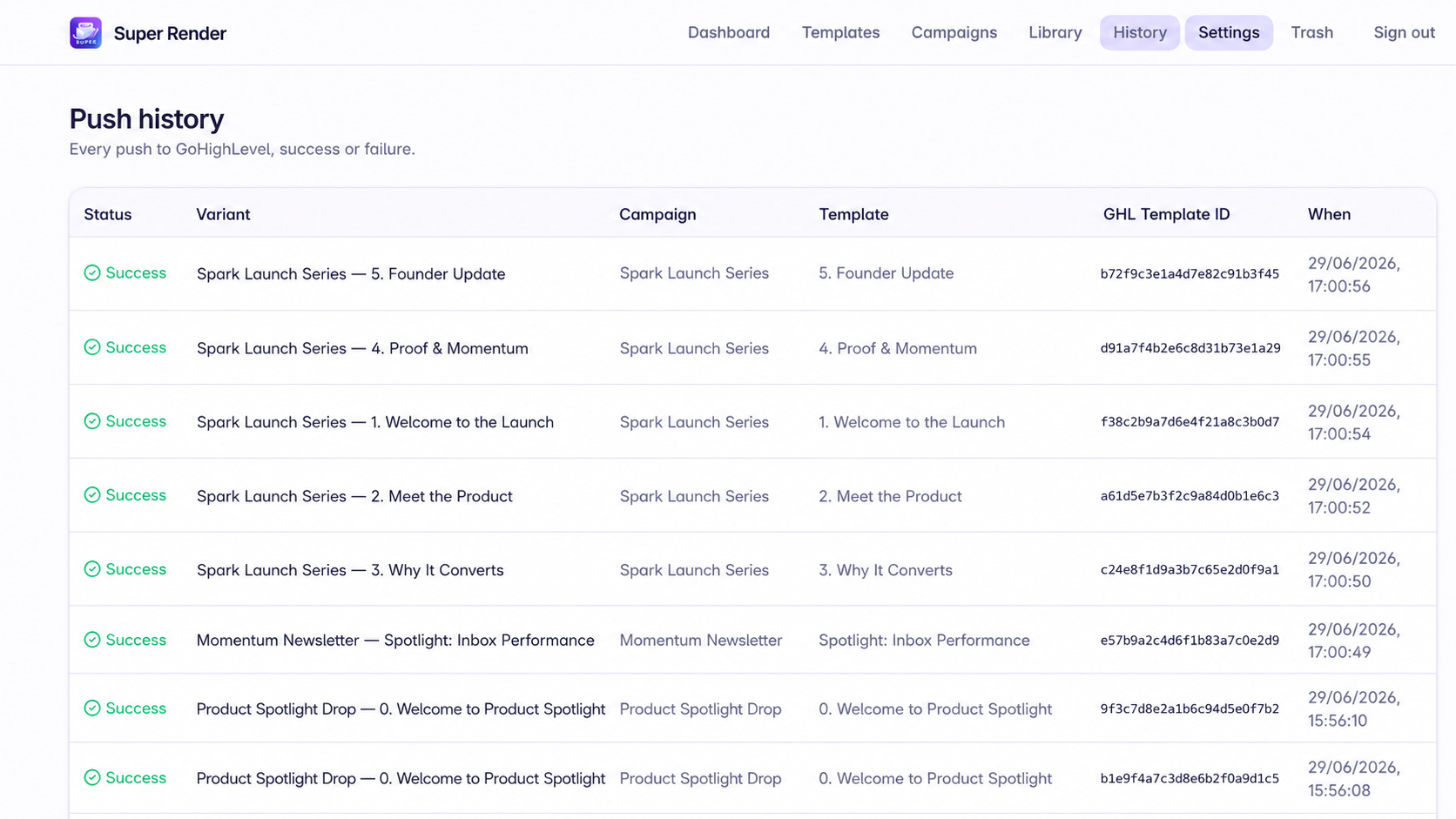
Safety checks and a full history of every push
Run a safety check that covers anti-spam signals, broken links, missing alt text, image sizing, inbox compatibility and more. The three main checks are spam risk, rendering across Outlook, Gmail, Yahoo and Apple Mail, and CTA/link safety, so you can send with confidence.
Send with confidence.
The maths
A 5-Email Campaign in About 10 Minutes
Ask for a campaign, say how many emails you need, and Super Render AI writes and builds the whole sequence at once. Same brand, same styling, ready to review.
Doing it by hand
6-8 hrs
Writing, building, fixing layouts and testing 5 emails one by one.
With Bulk Campaign Builder
~10 min
One brief, five drafts, previewed and ready to push to GoHighLevel.
You get back
~7 hrs
Every single campaign. Ten campaigns a year is nearly two working weeks.
Need 3 emails or 12? Set the number, add your topics, and the whole sequence is drafted together, on brand, with your links and footer already in place. You review, tweak what you want, and save each one as a template.
Real screens, real product
Watch it write the email for you
From a blank brief to a finished, on-brand email — no design tool required.
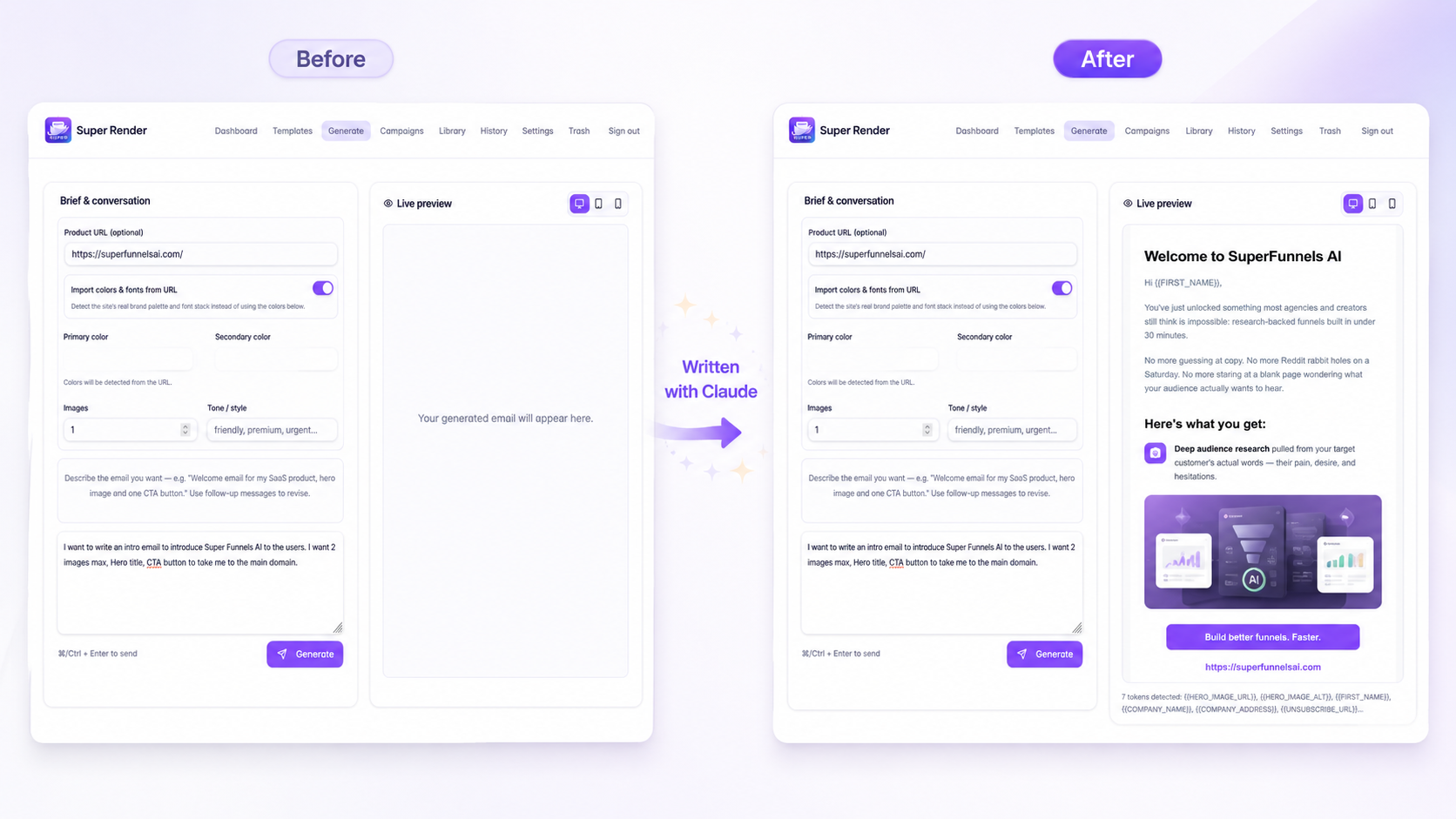
Super Render AI's AI generator, writing complete email copy from a single product URL.
Launch Offer
Start Free. Upgrade When You’re Ready.
Try Super Render AI free, then pick the plan that fits how many emails you create each month.
Free
For testing Super Render AI before upgrading.
- 3,000 Render Credits/month
- Create a few templates each month
- 1 workspace
- Test Vibe Render
- Preview before you push
- Connect your own AI key
- Connect GoHighLevel
- Push to GoHighLevel
- ×Reusable templates
- ×Variants
- ×Larger campaigns
- ×Extra workspaces
- ×Higher monthly usage
No credit card required.
Solopreneur
For solo marketers, business owners, and freelancers creating emails for themselves or a few clients.
- 15,000 Render Credits/month
- Vibe Render email creation
- Bulk Campaign Builder within credits
- Editable templates
- Reusable templates
- Variants
- Brand setup
- GHL custom values
- Preview fallbacks
- Push to GoHighLevel
- Push history
- 3 workspaces (1 personal + 2 client)
- Bring your own AI keys
Billed monthly. Use the same email as your Super Render account.
Lifetime Deal
Lifetime access to Super Render AI with generous monthly Render Credits.
- 50,000 Render Credits/month
- Vibe Render
- Bulk Campaign Builder
- Image Studio
- Templates
- Campaigns
- Brand system
- GHL custom values
- Preview fallbacks
- Inbox Safety Check
- Push to GoHighLevel
- Push history
- 3 workspaces
- Bring your own AI keys
One-time payment. Use the same email as your Super Render account.
Render Credits are used when Super Render AI creates or rewrites emails, campaigns, or images. Previewing, manually editing, saving, and pushing to GoHighLevel do not use credits.
AI provider usage is separate. Super Render AI connects to your own OpenAI, Claude, Gemini, or other supported AI keys.
Frequently asked questions
How do Render Credits work?
Credits are used only when the AI creates or rewrites emails, campaigns, or images. Previewing, editing by hand, saving, and pushing to GoHighLevel are always free. Your credits reset every month.
Is the Free plan really free?
Yes, no credit card needed. You get 3,000 Render Credits a month and can push templates to GoHighLevel. Upgrading unlocks editing, reusable templates, variants, and higher monthly credits.
Which plan should I choose?
Free gives you 1 workspace to try things out. Solopreneur ($29/month) gives 3 workspaces (1 personal + 2 client). The Lifetime Deal ($299 once) gives 50,000 credits a month forever and 3 workspaces. Agency ($59/month) gives 15 workspaces (1 agency + 14 client), each with its own brand and GoHighLevel connection.
Is the Lifetime Deal really one payment?
Yes. $299 once, no recurring fees, with 50,000 Render Credits every month for as long as the product runs.
Does it work with GoHighLevel?
Yes. Super Render pushes finished templates straight into your GoHighLevel account or sub-accounts, and supports GHL custom values like {{custom_values.booking_link}} in your links and CTAs.
Who pays for the AI usage?
You connect your own OpenAI, Claude, or Gemini API key, so AI costs go directly to your provider with no markup. A small top-up of around $5 is usually plenty to start.
Will my emails look right in every inbox?
Super Render builds emails with inbox-safe structure, solid fallback colours, and a built-in safety check, so they hold up across Gmail, Outlook, Apple Mail, and mobile apps.
Can I switch or cancel my plan?
Monthly plans can be cancelled anytime and stay active until the end of the billing period. Everything you already created stays in your account.